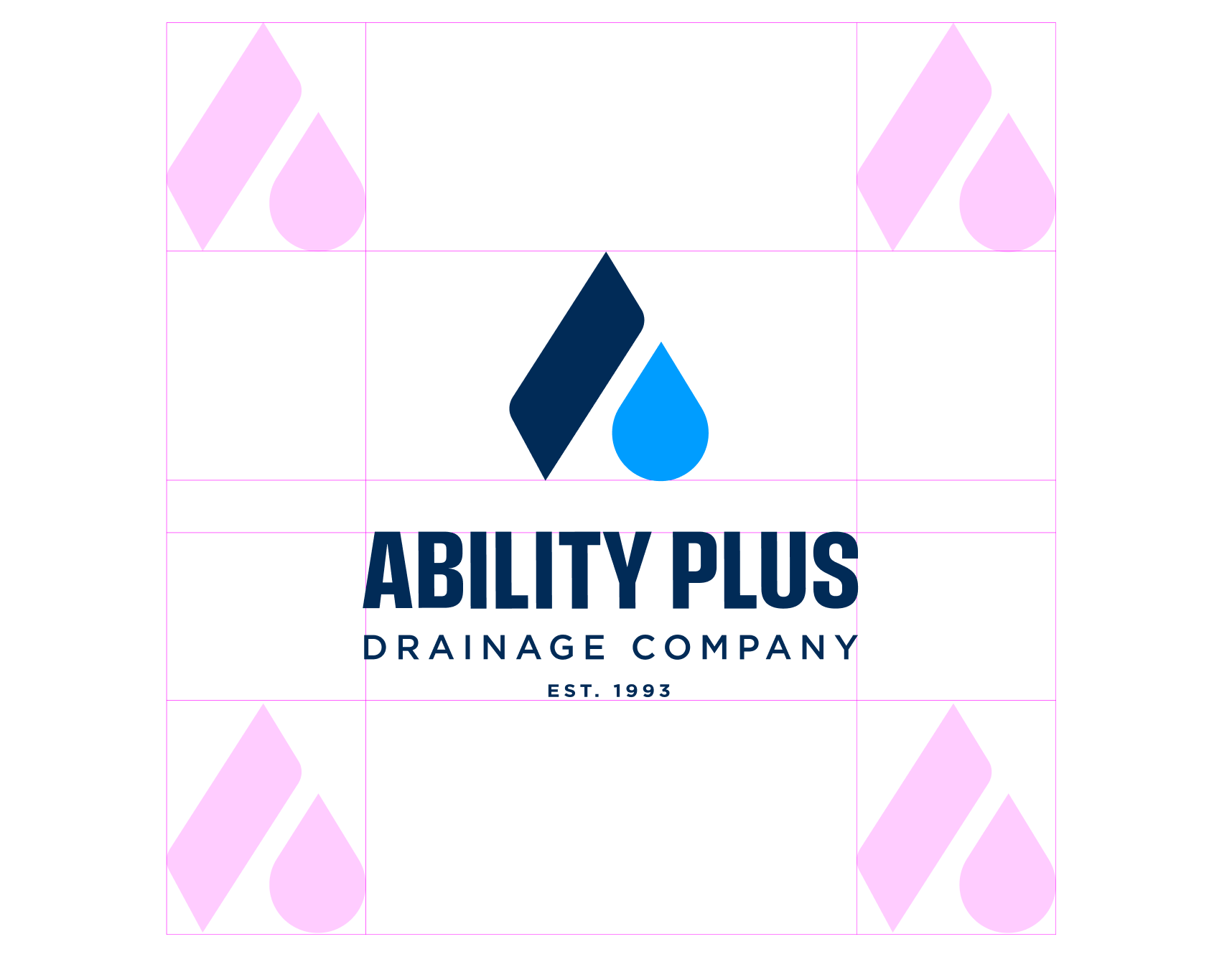
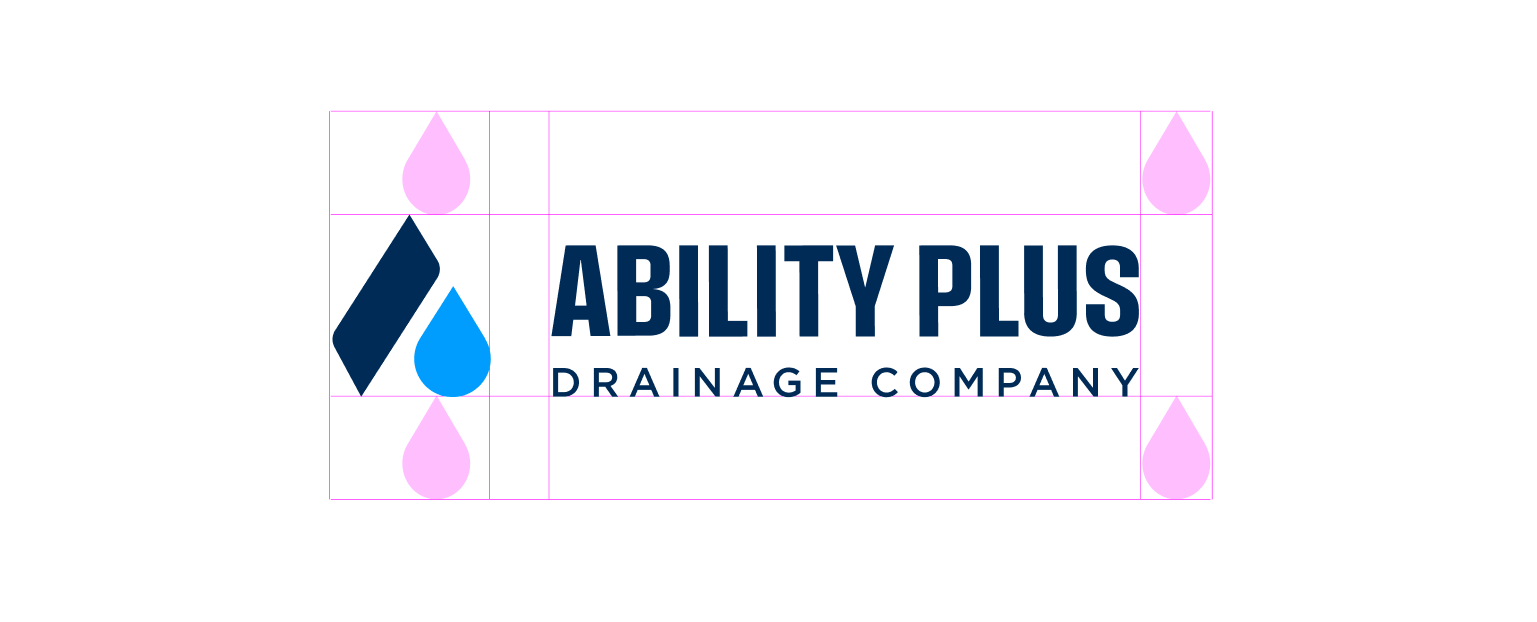
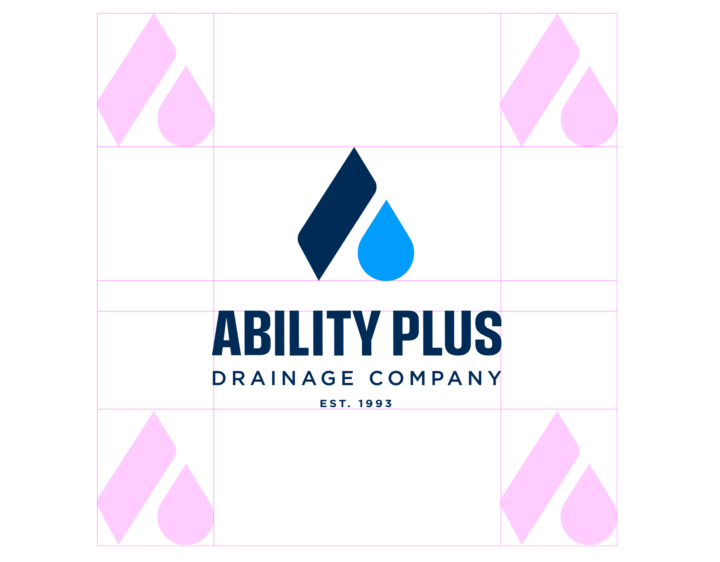
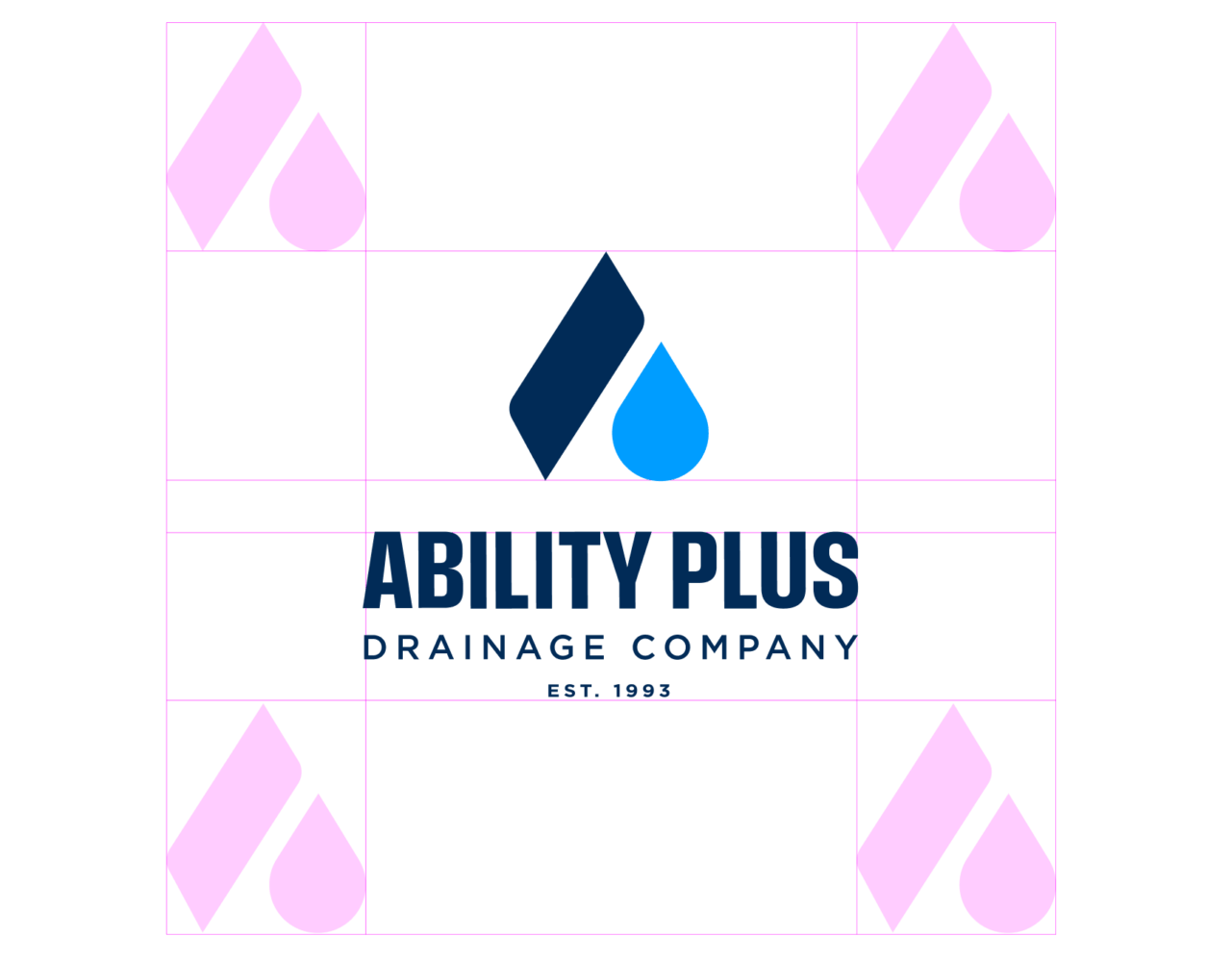
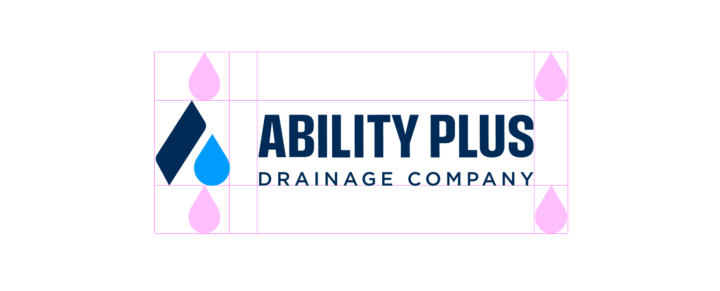
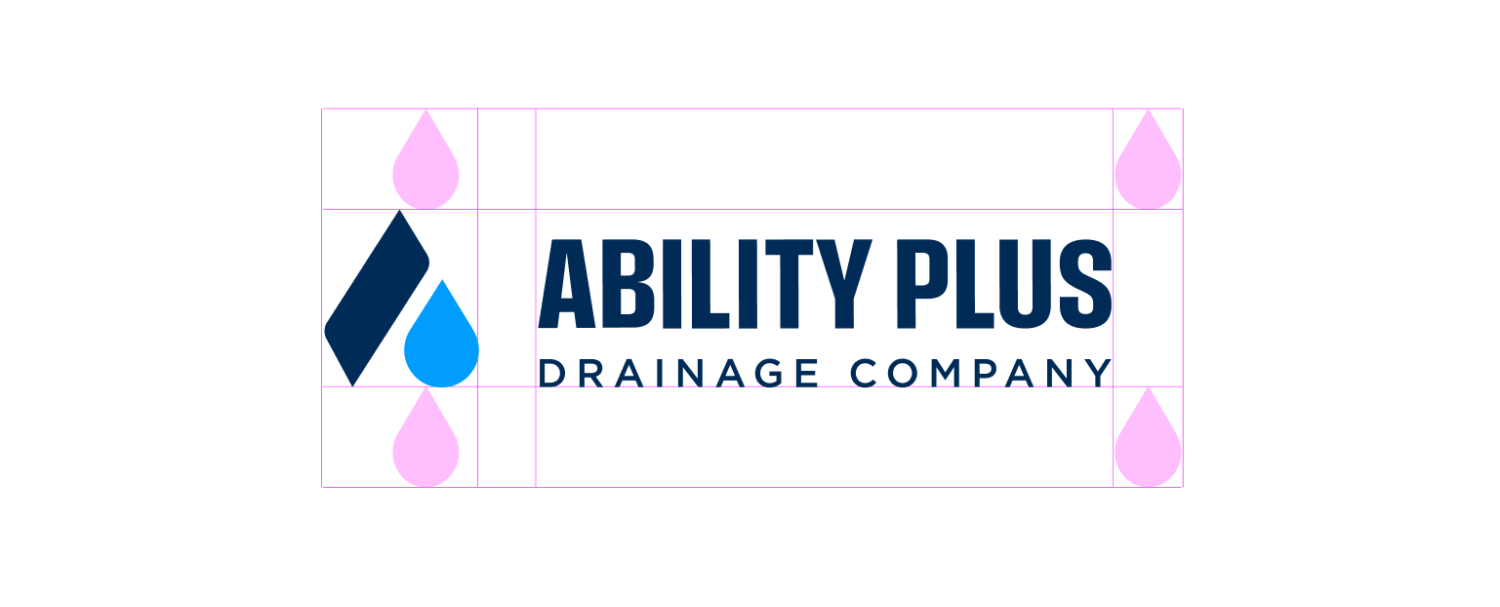
Clear Space
Maintaining clear space around the logo ensures it remains visible, legible, and impactful in every application. Avoid placing other graphic elements (such as text or images) too close to the logo.
While this standard should be followed whenever possible, we understand there are occasional exceptions (like tags or certain digital formats). In those cases, use your best judgment and trust that the logo gods will understand.
File Types
CMYK is used for print materials, where colors are created with ink.
RGB is used for digital and screen-based applications, where colors are rendered with light.
EPS and SVG files are vector-based, meaning they can scale to any size without losing quality. Ideal for both print and digital use and when resizing.
PNG files are raster-based and best suited for screen use, especially when transparency is needed (e.g., placing a logo over a photo or background color).
WebP files are raster-based and best suited for screen use. WebP is a modern image format that provides superior lossless and lossy compression for images on the web, and are over 25% smaller in size compared to PNGs.

Primary Horizontal

Primary Stacked

Primary Badge

Primary Stacked (No Date)

Reversed Horizontal


Reversed Stacked


Reversed Badge


Reversed Stacked (No Date)


One Color Horizontal

One Color Stacked

One Color Badge

One Color Stacked (No Date)

White Horizontal


White Stacked


White Badge


White Stacked (No Date)

CMYK files used for print projects.